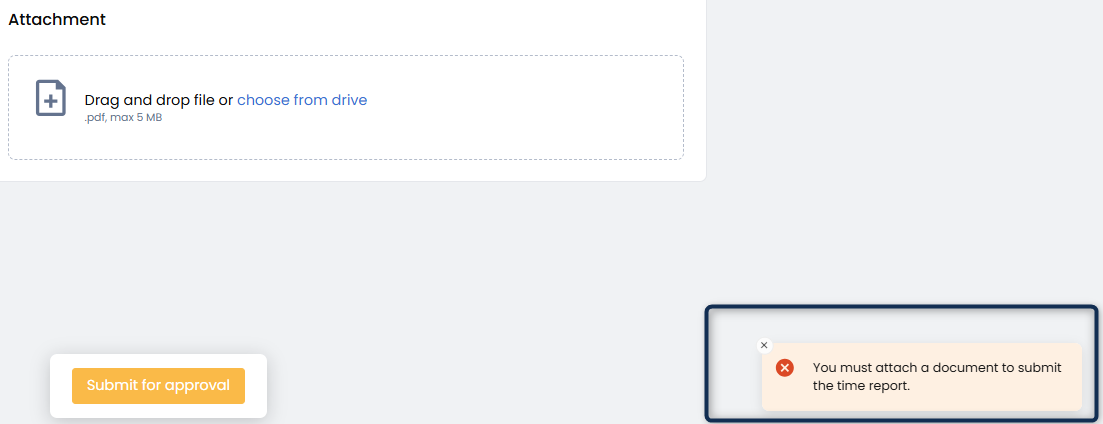
Once you have logged all your hours for the reporting period, review your entries to make sure everything is correct. When you're ready, click the Submit for Approval button to send your time report for approval.
Please note: Once submitted, you cannot edit your time report. Make sure all reported hours — including standard hours, overtime, standby, and travel hours — are accurate before submitting.
After submission, your time report will be reviewed and either:
Approved — you will receive a confirmation, and the report will be processed for invoicing.
Reject — you will be notified and can edit and resubmit the time report with the requested changes.
You can track the current status of your time report at any time from the time report overview.
Important Notes
Some clients require an attachment to be included when submitting a time report.
- If an attachment is required and none is added, a warning message will be displayed when attempting to submit the time report.
As long as the time report is in “Draft” status, you can remove or replace the attachment as needed.
Changes to attachments cannot be made after the time report has been submitted or approved.